What Are a Domain, DNS and SSL? A Plain-English Guide
A plain-English guide to domains, DNS and SSL: what each one does, the DNS records you will see, why changes take time, and how to fix common problems.
By the GENL teamUpdated 8 min read
A domain is your business's address on the internet, such as harborandbean.com. DNS is the system that tells the internet which computer that address points to, for your website and your email. SSL (more precisely, TLS) is the security layer that encrypts the connection between a visitor and your site, which is what turns http into https and shows the browser's secure-connection icon.
Here is what each one does, the settings you will see, and how to fix the most common problems.
The short version, with an analogy
Think of putting your business on the internet like opening a shop.
- The domain is your shop's name and street address. It is what you print on cards and tell customers. You register it and renew it to keep it.
- DNS is the map and the phone book. When someone types your address, DNS looks up where your website actually lives (a server, identified by a number called an IP address) and where your email should be delivered.
- SSL/TLS is the locked, private door. It makes sure that what passes between the visitor and your site cannot be read or changed along the way, and it proves the site really belongs to the domain shown in the address bar.
A domain without DNS goes nowhere. DNS without SSL works, but browsers warn visitors that the site is "Not secure."
What a domain is
A domain name has two main parts: the name you choose (harborandbean) and the extension, also called a top-level domain or TLD (.com, .in, .ai). You can also create subdomains in front of it, such as shop.harborandbean.com or www.harborandbean.com, without registering anything new.
You register a domain through a registrar, a company accredited to sell domain registrations, for one year or more at a time. The person or business listed as the registrant controls it. That should always be you or your business, not a designer or an agency.
If you are still deciding on a name or an extension, see how to choose a domain name and .com vs .ai vs country domains.
How DNS works
DNS stands for Domain Name System. Computers find each other using numeric IP addresses, but people remember names. DNS translates one into the other.
When someone types your domain into a browser, roughly this happens:
- 1Their device asks a DNS resolver, usually run by their internet provider or a public DNS service, "Where is
harborandbean.com?" - 2The resolver finds out which nameservers are in charge of your domain. Nameservers are the servers that hold your domain's DNS records, and your registrar records which ones they are.
- 3Your nameservers answer with the right record, such as the IP address of your website.
- 4The browser connects to that address and loads your site.
This takes a fraction of a second, and the answer is cached for a while so the next lookup is faster.
The key practical point: your DNS records live wherever your nameservers point. That might be your registrar, your website platform or a separate DNS provider. If you edit records in one place but your nameservers point elsewhere, nothing changes.
Common DNS record types
Each DNS setting is a record. You will mostly deal with five types.
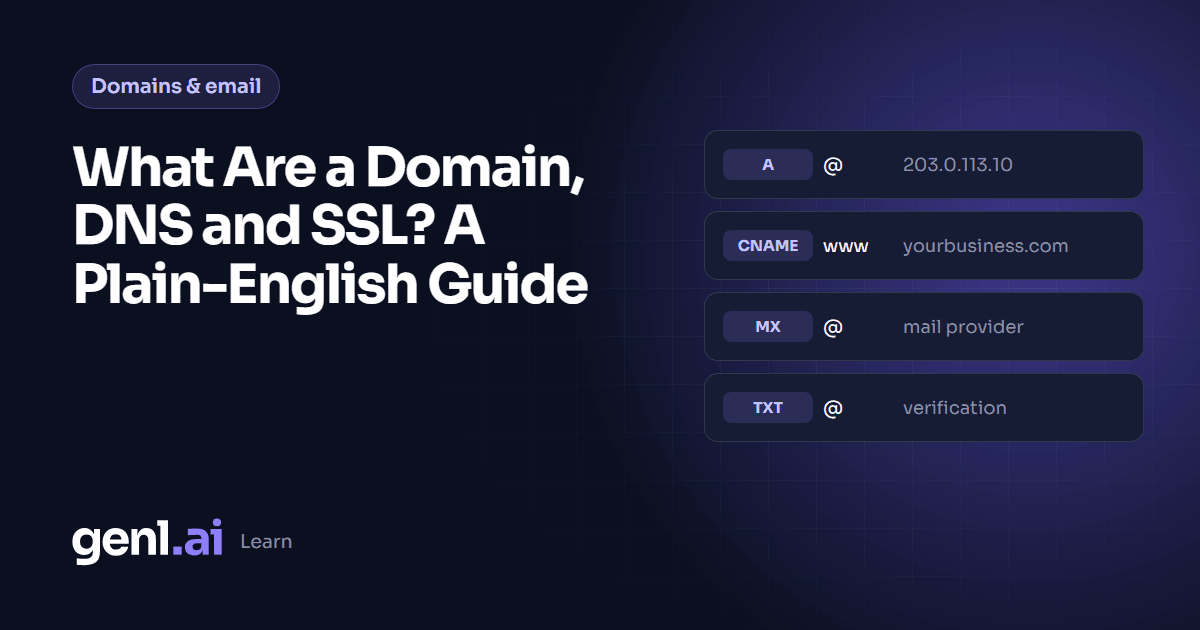
| Record | What it does | Typical example |
|---|---|---|
A | Points a name to an IPv4 address (the older, most common format) | harborandbean.com points to your website host's IP address |
AAAA | Points a name to an IPv6 address (the newer, longer format) | The same as an A record, for IPv6 networks |
CNAME | Points one name to another name, rather than to an address | www.harborandbean.com points to an address your website platform gives you |
MX | Says which mail servers receive email for your domain | Routes [email protected] to your email provider |
TXT | Holds text that other services read, often for verification or email security | Proves you own the domain, or lists who may send email for it |
Each record also has a TTL (time to live), a number in seconds that tells resolvers how long to cache the answer. A lower TTL means changes are picked up sooner; a higher one means fewer lookups.
A few rules worth knowing:
- The root of your domain (
harborandbean.comwith nothing in front, sometimes shown as@) usually needs anAorAAAArecord, because standard DNS does not allow aCNAMEthere. Some DNS providers offer a workaround under names like "ALIAS" or "CNAME flattening." - A name that has a
CNAMEshould not have other records of the same name. MXrecords have a priority number. Lower numbers are tried first.- Email security settings such as SPF, DKIM and DMARC are stored as
TXTrecords. Our guide to business email on your own domain explains them in plain terms.
Why DNS changes take time (propagation)
After you add or change a record, it can take anywhere from a few minutes to a few hours for everyone to see the new value. Changing nameservers can take longer, sometimes up to a day or two. This delay is called propagation.
It happens because resolvers around the world cache old answers until their TTL runs out. Some see your change straight away; others keep the old answer a little longer. That is why your site might load on your phone but not on your laptop, or for one customer but not another.
What you can do:
- Lower the TTL in advance. If you plan a move, reduce the TTL on the records involved a day before, then make the change.
- Check from the outside. Free online DNS lookup tools show what different resolvers around the world currently see for your domain.
- Wait before undoing. Many "it did not work" moments are just propagation.
SSL, TLS and the padlock
SSL (Secure Sockets Layer) is the original name for the technology that encrypts web traffic. Its modern successor is TLS (Transport Layer Security), but most people, and many dashboards, still say "SSL."
An SSL/TLS certificate is a small digital file issued by a trusted certificate authority. It confirms that the server is allowed to use your domain and lets the browser set up an encrypted connection. When it is working:
- Your address starts with
https://. - The browser shows a secure-connection icon (traditionally a padlock; some browsers now use a different neutral icon).
- Form entries, logins and payments cannot be read in transit.
Without a valid certificate, browsers show a "Not secure" label or a full-page warning, even on sites that sell nothing. Search engines also prefer HTTPS sites.
Certificates expire and must be renewed. Many hosts and website platforms issue and renew them automatically; if yours does not, set a reminder well before the expiry date.
A certificate covers specific names. A certificate for harborandbean.com does not automatically cover www.harborandbean.com or shop.harborandbean.com unless those names are included or it is a "wildcard" certificate.
What goes wrong, and how to fix it
| Symptom | Likely cause | What to try |
|---|---|---|
| Site does not load at all | Missing or wrong A/CNAME record, or the domain has expired | Check the records your website platform asked for, and check the domain's renewal status at your registrar |
| Changes have no effect | Editing records at the wrong provider | Look up which nameservers your domain uses, and edit records there |
| Works for some people, not others | Propagation still in progress | Wait, then check with an online DNS lookup tool |
www works but the bare domain does not (or the reverse) | Only one of the two names has a record | Add a record for the missing name and redirect one to the other |
| "Not secure" or certificate warning | Certificate missing, expired or not covering that name | Ask your host to issue or renew it; make sure every name you use is covered |
| Email stopped arriving | MX records changed or deleted, often during a website move | Restore the MX records your email provider specifies |
| Emails land in spam | Missing or incorrect SPF, DKIM or DMARC records | Add the exact TXT records your email provider gives you |
Two habits prevent most of these:
- Only change the records you were asked to change. Website moves often break email because someone deleted the
MXrecords while "cleaning up." - Keep the domain renewing. Turn on auto-renew and keep the payment card current. An expired domain takes your website and email offline at the same time.
Letting your platform handle it
If you would rather not touch DNS at all, many website platforms can manage it for you. With GENL's website builder, for example, the free domain included with yearly plans and with Pro and above is registered in your name and connected with DNS and SSL automatically. If you already own a domain, you add the records GENL shows you, and it verifies ownership and sets up SSL before your site goes live on it. You can still edit any DNS record yourself from the domain page. See domains for details.
A quick checklist for any setup:
- You are the registrant, and auto-renew is on.
- You know which provider runs your nameservers.
- Your bare domain and
wwwboth load overhttps://. - Your
MXand emailTXTrecords are in place and untouched by website changes. - You have a copy of your current DNS records saved somewhere safe.
Frequently asked questions
Is SSL the same as TLS?
In everyday use, yes. TLS is the modern version of the technology originally called SSL, and the older SSL versions are no longer considered secure. When a host or dashboard offers an "SSL certificate," it is almost always a TLS certificate, and it does the same job: encrypting the connection and enabling HTTPS.
How long does DNS propagation take?
Record changes are often visible within minutes to a few hours, depending on the TTL of the old record. Changing nameservers can take longer, sometimes up to a day or two. If a change has not appeared, check it with an online DNS lookup tool before assuming it failed.
What is the difference between a domain and web hosting?
The domain is the address; hosting is the place where your website's files live and are served from. DNS connects the two by pointing the address at the host. You can buy them from the same company or different ones, and you can move your hosting without changing your domain.
Can I change DNS settings without breaking my email?
Yes, as long as you leave your MX records and email-related TXT records alone. When you move your website, change only the A, AAAA or CNAME records your new platform asks for, and keep a copy of everything before you start.