How to Take Your Business Online: A 30-Day Plan
A week-by-week plan to take your business online in 30 days, from name, domain and brand basics to a website, social profiles and Google Business Profile.
By the GENL teamUpdated 7 min read
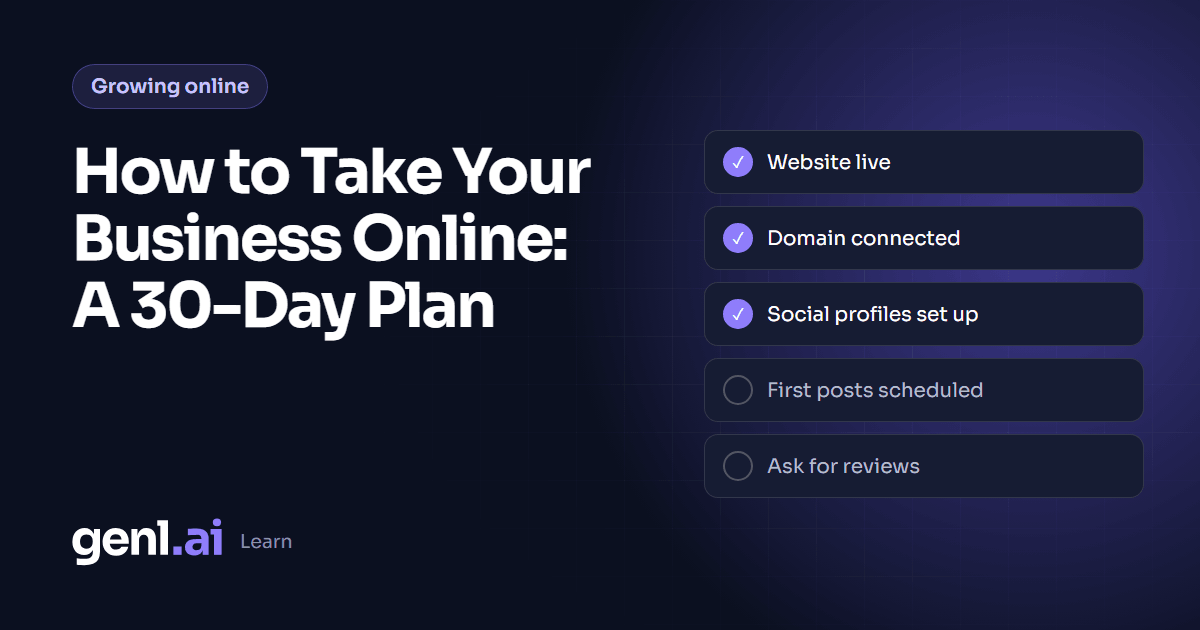
You can take a business online properly in about 30 days by doing one thing per week: settle your name, domain and brand basics in week 1, build your website in week 2, set up social profiles and a Google Business Profile in week 3, then start posting, collecting reviews and measuring in week 4. Each step builds on the last, so you avoid redoing work. You do not need to finish everything perfectly; a clear, accurate first version you keep improving beats a perfect plan that never launches.
This guide gives you the plan week by week, with a checklist for each stage and notes on what costs money.
Before you start
Set aside a few hours each week and gather what you already have:
- Your business name, or a short list of options
- What you sell, who it is for and where you operate
- Your prices, opening hours and contact details, if they are settled
- Any photos of your work, products, premises or team
- Logins for any accounts you have already created
Week 1: name, domain and brand basics
Everything else depends on this week, because your name and domain appear on every page and profile you create.
Confirm your name
Check that your business name is not already used by a similar business in your area or industry, and look for registered trademarks in the countries where you operate. Check whether the name is available as a domain and as a handle on the social platforms you plan to use. If you need to register the business formally, follow the rules in your country.
Choose a domain
Your domain is your address online, such as yourbusiness.com. Aim for something short, easy to spell and close to your business name. Our guide to choosing a domain name covers extensions, hyphens and common mistakes. Some website plans include a domain, so check that before you buy one separately.
Set your brand basics
You do not need a full brand agency project. You need a simple logo or wordmark, two or three colors, one or two fonts and a few words describing how you sound. Our guide to branding basics on a budget walks through each of these.
Week 1 checklist
- Business name confirmed and checked for conflicts
- Domain chosen (bought now, or included with your website plan)
- Social handles noted or reserved
- Simple logo, colors, fonts and voice written down
- Business email address planned on your domain
Week 2: build your website
Your website is the home base that everything else links back to. A simple, accurate site is far better than an elaborate one that takes months.
Decide what pages you need
Most businesses start with:
- 1Home: what you do, who it is for, and the main action you want visitors to take
- 2Services or products: what you offer, with prices if you publish them
- 3About: who is behind the business and why customers can trust you
- 4Contact: phone, email, a contact form, address or service area, and opening hours
Add a booking page, menu, portfolio or FAQ if your business needs one.
Build it
You can hire a designer, use a website builder or use an AI website builder that drafts the site for you. Our step-by-step guide on how to make a business website compares the options. For example, genl.ai builds a complete, editable website from one sentence describing your business, and yearly plans (and Pro and above) include a free domain with DNS and SSL set up for you (see how it works).
Whichever route you choose, check every fact, test the site on a phone, and make sure your contact details are correct before you publish.
Week 2 checklist
- Core pages written and reviewed
- Contact details, hours and prices checked
- Site tested on phone and desktop
- Page titles and descriptions set for search
- Domain connected and the site loads securely (the address starts with https)
- Business email working
Week 3: social profiles and Google Business Profile
Now that you have a website to point to, set up the places where customers will discover you.
Pick your social platforms
Choose one or two platforms where your customers already spend time rather than trying to be everywhere. Visual businesses often start with Instagram; local businesses often find Facebook useful; X suits fast news and conversation; Telegram suits channels and communities. If you are wondering whether you need both, see do you still need a website if you have Instagram?
For each profile:
- Use the same name, logo and short description everywhere
- Add your website link and contact details
- Switch to a business or creator account where the platform offers one
- Post a few pieces of content before you start promoting the profile, so it does not look empty
Set up a Google Business Profile
If customers visit you, or you serve a local area, a Google Business Profile helps you appear in Google Maps and local searches. Create or claim your profile, verify it as Google requests, and add your category, hours, service area, photos and website link. Verification methods vary, so follow Google's own help pages at the time of writing. Other map and directory listings relevant to your country or industry are worth adding too.
Week 3 checklist
- One or two social profiles set up with consistent branding
- Website linked from every profile
- Google Business Profile created, verified and filled in
- Key directory listings added with matching name, address and phone
Week 4: content, reviews and measurement
Your presence is set up. This week is about making it active and learning what works.
Start a posting routine
Pick a pace you can keep. A steady, modest schedule usually beats bursts of activity followed by silence. Our guide on how often to post on social media suggests realistic frequencies by platform, and our social media post ideas will fill your first month. If writing posts is the bottleneck, AI can help with drafts; see can AI write your marketing? for what to check. Tools like GENL Growth can draft posts for Instagram, Facebook, X and Telegram and publish them on a schedule you describe, with your approval (see growth).
Ask for reviews
Reviews help new customers decide. Ask satisfied customers directly, make it easy with a link to your Google Business Profile, and reply politely to every review, positive or negative. Never write fake reviews or offer rewards in exchange for positive ones; most platforms prohibit this and it can break consumer protection rules.
Measure the basics
You do not need complex analytics yet. Track a few simple things each week:
- Visits to your website and which pages people view
- Calls, messages, form submissions and bookings
- Views and actions on your Google Business Profile
- Which social posts get the most saves, shares or messages
Most website builders, social platforms and Google Business Profile include basic statistics for free.
Week 4 checklist
- Posting schedule chosen and the first posts published
- Review requests sent to recent customers
- Replies to any reviews and messages
- Simple weekly tracking in place
Budget notes
Costs vary a lot by country, provider and how much you do yourself. Typical items include:
| Item | What drives the cost |
|---|---|
| Domain | The extension, the registrar and renewal price; sometimes included with a website plan |
| Website | Doing it yourself with a builder vs hiring a designer; the plan you choose |
| Business email | Provider and number of mailboxes; some offer free plans or forwarding |
| Logo and branding | Making a simple wordmark yourself vs hiring a designer |
| Social media | Profiles are free; time, tools and any paid ads cost money |
| Google Business Profile | Free to create and manage |
| Photos | Your own phone photos vs a professional shoot |
The biggest saving is usually doing the setup yourself with good tools, then spending later on the areas that clearly bring in customers. See pricing if you want to compare what a GENL plan includes.
Frequently asked questions
Can I really take my business online in 30 days?
Yes, for most businesses, if you spend a few focused hours each week. The plan covers the essentials: a name and domain, a simple website, social profiles, a Google Business Profile and a posting routine. More advanced work like online stores or paid advertising can follow once the basics are running.
What should I set up first, a website or social media?
Settle your name and domain first, then the website, then social profiles. The website gives every profile something to link to and holds the details customers need, so building it first saves you updating links and information later.
Do I need a Google Business Profile if I don't have a shop?
It can still help if you serve a local area, such as a plumber, tutor or mobile hairdresser. You can usually list a service area instead of a public address. Check Google's current guidelines for which businesses are eligible.
How much does it cost to take a business online?
It ranges from very little, if you build the website yourself and use free profiles, to much more if you hire designers and run ads. The main costs are a domain, a website plan or hosting, and possibly business email. Prices vary by country and provider.
What if I don't have time to post on social media?
Choose one platform, a modest schedule and a few reusable post types, such as behind the scenes, customer questions and offers. Batching posts once a week and using a scheduling tool, with or without AI drafting, keeps your accounts active without daily effort.